You run an event, 200 people show up, and you send a feedback survey the next day. You get 25 responses, most of them one-word answers. "Great." "Fine." "Good venue." That's a 12% response rate and zero actionable insight.
The problem isn't that attendees don't care. It's that most event feedback forms ask too many questions, arrive too late, and make it harder to give honest feedback than it should be. According to Explori, a good post-event survey response rate sits between 10% and 20% for conferences. For smaller events, you can do much better - but only if the form is short, fast, and sent at the right moment.
This guide covers what to ask on an event feedback form, when and how to send it, what different types of events need, and how video feedback captures the stuff that star ratings miss.
What to ask on an event feedback form
Keep it under 10 questions. Every question beyond that drops your completion rate. Here are the ones that actually produce useful data.
Overall satisfaction
Start with the big-picture question. One rating that tells you how the event landed:
- "How would you rate the event overall?" (5-star scale or 1-10)
This is your headline metric. It goes in the report to stakeholders, it gets compared year over year, and it's the first thing anyone asks about.
NPS (Net Promoter Score)
- "How likely are you to recommend this event to a colleague?" (0-10 scale)
NPS splits respondents into promoters (9-10), passives (7-8), and detractors (0-6). It's a better predictor of future attendance than satisfaction scores because it measures whether someone would stake their reputation on your event. A five-star satisfaction rating means they enjoyed it. A 9 or 10 NPS means they'd tell their friends.
Content quality
- "Which session or speaker was most valuable to you?" (multiple choice from the programme, or open text)
- "Was the content relevant to your role?" (yes/somewhat/no)
These tell you what to keep and what to cut next time. If three speakers consistently rank highest, you know who to invite back. If "not relevant" answers spike, your marketing attracted the wrong audience.
Logistics and operations
- "How was the venue?" (star rating)
- "Any issues with registration, food, or facilities?" (open text)
Logistical feedback is easy to act on. If 30% of respondents mention that the coffee ran out by 10am, that's a fixable problem with a clear budget line.
The open-ended catch-all
- "What's one thing we should change for next time?" (open text)
This is where the gold is. Structured questions tell you how things scored. Open-ended questions tell you what you didn't think to ask about. Put this near the end - respondents who've made it this far are invested enough to write something real.
The optional video question
- "Record a quick message about your experience" (30-60 seconds)
This captures tone, enthusiasm, and detail that text can't. A written "Great event!" is polite. A video of someone saying "I met three people today who are going to change how we approach our Q3 strategy" is a testimonial you can use in next year's marketing.

When to send your event feedback form
Timing matters more than most organisers realise. The gap between "I just had a great time" and "I vaguely remember that conference" is about 48 hours.
During the event
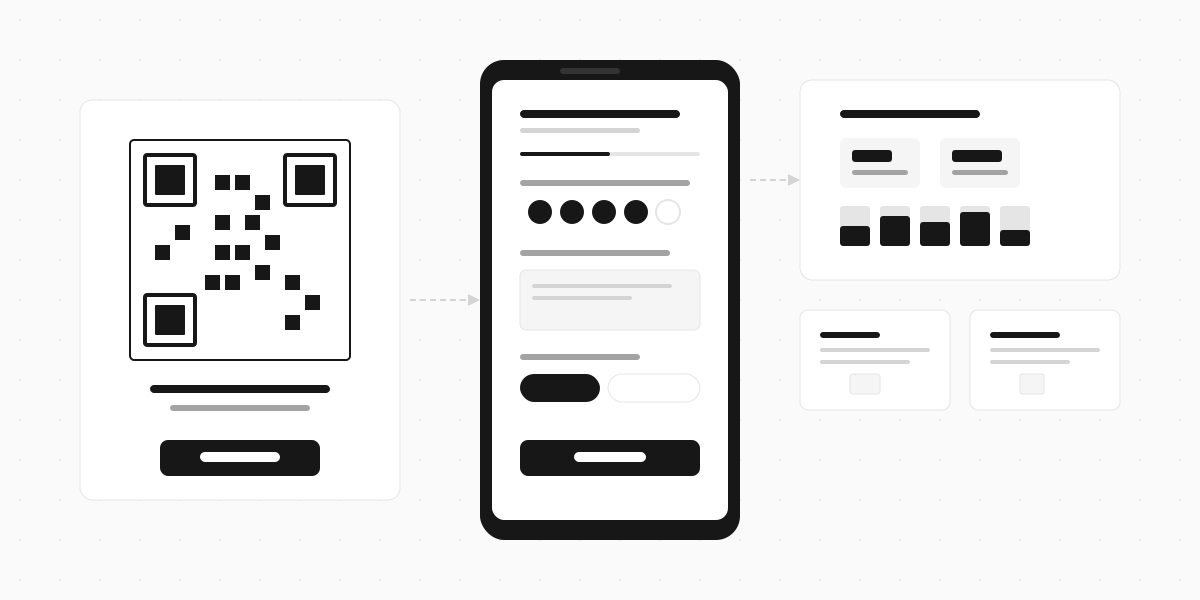
The highest-quality feedback comes from people who are still at the venue. Display a QR code on the closing slide, on table cards, or on the exit signage. Attendees scan with their phone and submit in 60 seconds while they're still thinking about the sessions.
This works best for session-level feedback. After each talk, flash a QR code: "Rate this session" with three quick questions. You get granular, per-session data instead of a blended overall score.
Within 2 hours of the event ending
If you can't collect feedback on-site, send the form as soon as people leave. An email or SMS within two hours catches attendees while they're commuting home, still thinking about what they heard.
The longer you wait, the worse your response rate and the less specific the feedback. A survey sent three days later gets "it was good" instead of "the panel on data privacy was the best part, but the Q&A was too short."
24-48 hours later (last resort)
If your event spans multiple days or you need time to set up the form, 24-48 hours is acceptable but expect lower response rates and blander answers. Beyond 48 hours, you're competing with everything else in their inbox.
Send the form from a person, not an organisation. "Hi, this is Sarah from the events team - how was the conference?" gets opened more than "Post-Event Feedback Survey [Event Name 2026]." People respond to people.
How to distribute the form
| Channel | When to use | Response rate |
|---|---|---|
| QR code at venue | During or immediately after the event | Highest - attendees are engaged and present |
| Within 2-48 hours post-event | Medium - depends on subject line and timing | |
| SMS / text message | Within 2 hours post-event | High - hard to ignore, opens immediately |
| In-app notification | For virtual or hybrid events | Medium-high - reaches attendees in the platform they used |
| Printed card with link | In swag bags or at exit | Low - people forget to fill it out later |
The QR code approach works especially well at conferences. Print it large on the final slide of the closing keynote: "Scan to tell us how we did." You'll get 50-100 responses in the first five minutes because the audience is sitting there with their phones already out.
For recurring events (monthly meetups, weekly workshops), keep the same form link each time and just tag responses by date. Don't make attendees find a new URL every week.
Event feedback forms by event type
Conferences and summits
The most complex feedback forms because there are multiple tracks, speakers, and sessions. Keep the overall event form short (5-6 questions), but add per-session feedback via QR codes at each talk. The overall form captures the big picture. The session codes capture the detail.
Add a question about networking: "Did you make valuable connections?" Networking quality is the #1 reason people return to conferences, and it's the one thing most feedback forms miss.
Workshops and training sessions
Focus on learning outcomes:
- "Did you learn something you can apply in your work?" (yes/no)
- "How would you rate the instructor?" (star rating)
- "Was the pace too fast, too slow, or about right?" (multiple choice)
Training feedback has a compliance angle too. If your organisation tracks professional development, a completed feedback form serves as proof of attendance and engagement.
Corporate events and team offsites
These are internal, so you can be more direct:
- "Was this a good use of your time?" (honest yes/no)
- "What should we do differently next year?" (open text)
Internal events often skip feedback entirely because "everyone seemed to enjoy it." But the people who didn't enjoy it aren't going to say so at the bar afterwards. A form gives them a safe place to share that the team-building exercise was painful or the agenda ran two hours over schedule.

Social events and fundraisers
Keep it very short (3-4 questions max). Social event attendees aren't interested in a long survey:
- "How was the event?" (star rating)
- "Would you attend again?" (yes/no)
- "Anything we should change?" (optional open text)
For fundraisers, add: "Was the cause clearly communicated?" That's the metric that matters for the organisation.
Video feedback: what text surveys miss
Star ratings tell you how things scored. Written comments tell you what people thought. But video feedback tells you how people felt - and that's the part that's hardest to capture on paper.
When someone records a 30-second video about your event, you hear their enthusiasm (or lack of it). You see their body language. You get the unfiltered, unrehearsed version of their experience instead of a carefully typed sentence.
Three ways video feedback adds value over text:
Testimonials for marketing. A video of an attendee saying "This was the best industry event I've been to" is worth more than 50 five-star text ratings when you're marketing next year's event. You can use it on your website, in promotional emails, and on social media.
Detail you don't get from checkboxes. People say more when they talk than when they type. A written response might be "speakers were good." A video response from the same person might be "the keynote on AI regulation was the most practical session I've seen - she gave us an actual framework we can use Monday morning."
Emotional context. Feedback that reads as neutral in text might be enthusiastic on video (or sarcastic). Tone changes how you interpret the data.
Common mistakes with event feedback forms
Too many questions. Ten questions is the ceiling for post-event forms. Fifteen questions will halve your response rate. Twenty will kill it. Every question needs to earn its place - if you won't act on the answer, don't ask it.
Sending it too late. A survey that arrives a week after the event gets vague, polished responses instead of raw, useful ones. Send it the same day or don't bother.
No mobile optimisation. Most attendees will open the form on their phone. If it's a clunky desktop form with tiny text fields and dropdowns that don't work on mobile, you'll lose half your respondents before the second question.
Only asking happy-path questions. "What did you enjoy?" without "What should we change?" gives you a skewed picture. You need both. The negative feedback is where the improvements live.
Not sharing results with your team. Feedback that sits in a spreadsheet nobody reads is wasted effort. Summarise the findings, share them with speakers and organisers, and tie them to specific actions for next time. If attendees see their feedback reflected in the next event, they'll fill out the form again.
Build your event feedback form
The difference between useful feedback and polite noise comes down to three things: ask fewer questions, send the form while the event is still fresh, and give people a way to say what they really think - not just pick a number.
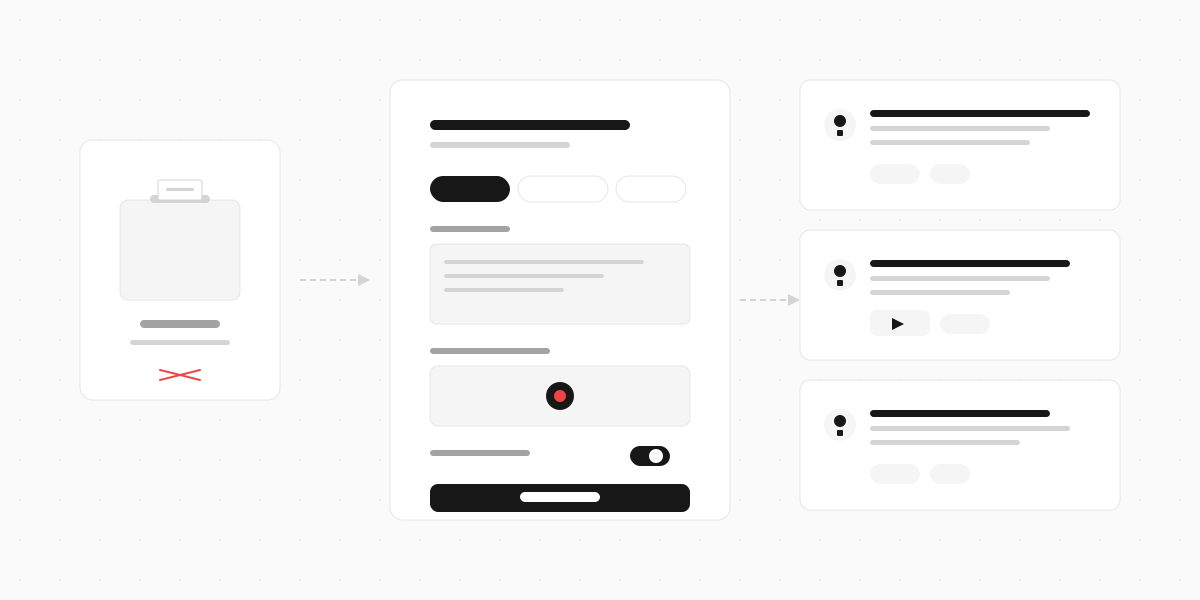
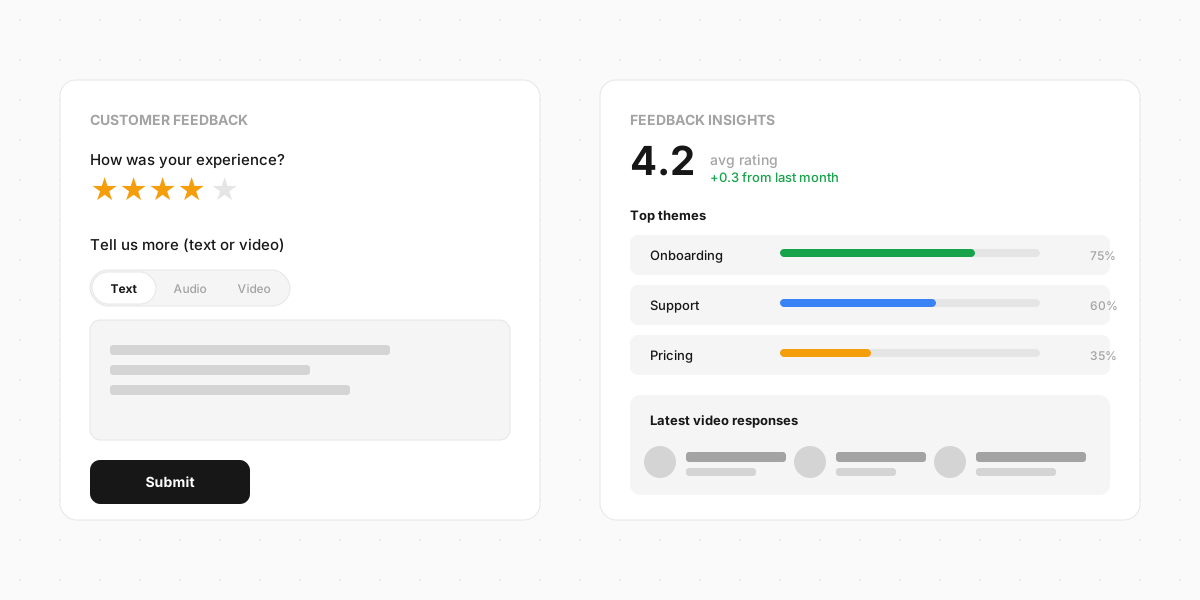
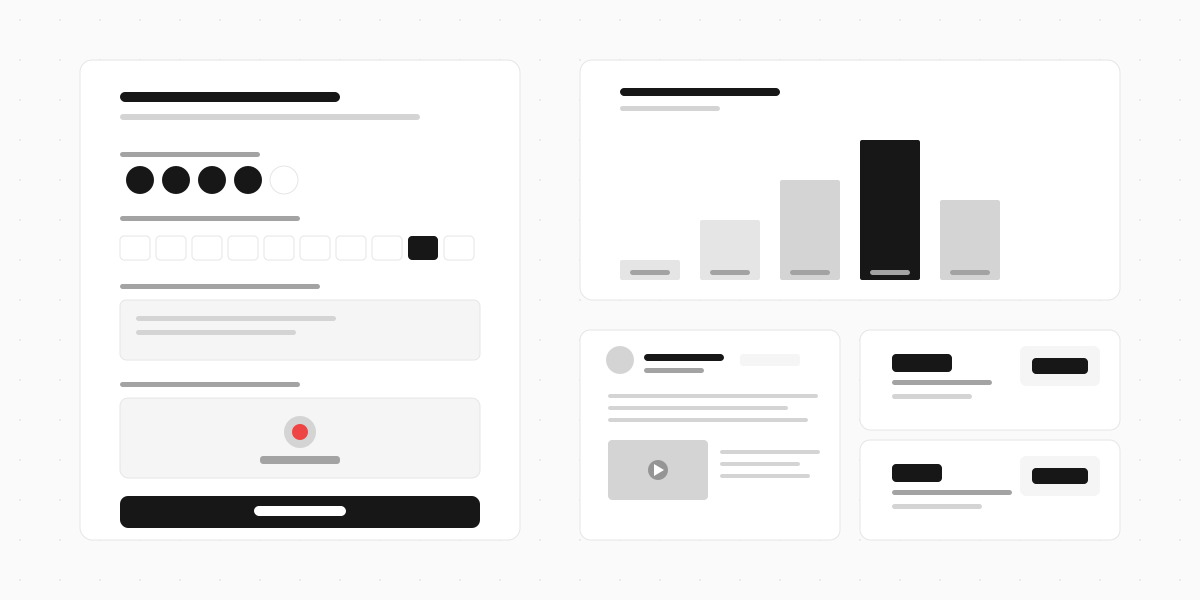
Clipform lets you build an event feedback form with star ratings, NPS scores, open text, and a video response question all in one form. Share it via QR code at the venue or send it by email afterwards. Every response lands in a dashboard with the video auto-transcribed, so you can scan what 200 attendees said without watching every clip. If you want feedback you can actually use, it's built for this.