A QR code survey is a feedback form that people open by scanning a code with their phone camera. Instead of typing a URL or clicking a link in an email, the respondent points their phone at a printed or displayed code, taps the notification, and the survey opens in their mobile browser. No app downloads, no login, no typing.
The format works because it meets people where they already are. A table tent at a restaurant, a sign at a checkout counter, a sticker on product packaging. The survey shows up at the exact moment someone has an opinion worth capturing, not hours later when the experience has faded.
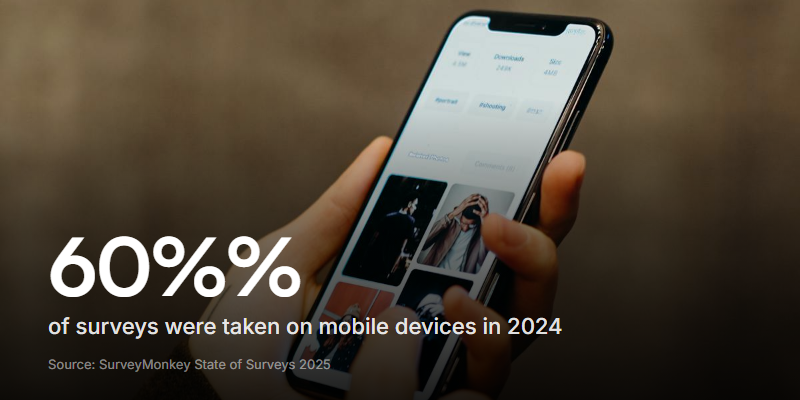
According to SurveyMonkey's State of Surveys report, almost 60% of surveys were taken on mobile devices in 2024 - the first year mobile overtook desktop in the US. QR codes feed directly into this shift, sending respondents straight to a mobile-optimised form without any friction.
This guide covers how to create a QR code survey, where to place it for the best response rates, what to put on the form itself, and the mistakes that keep people from scanning.
How a QR code survey works
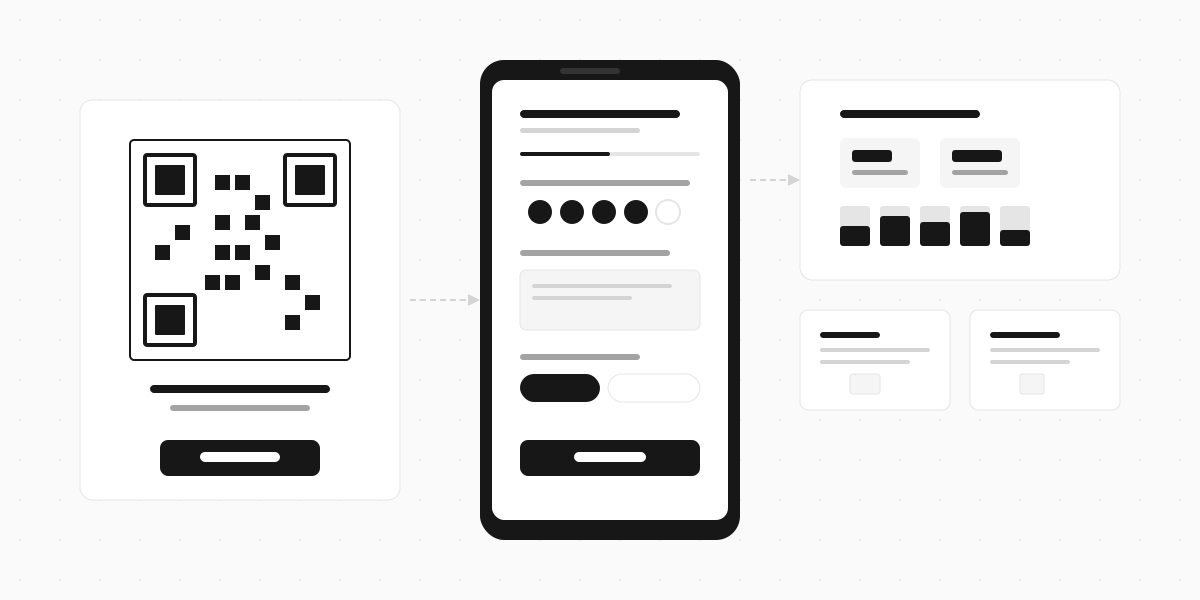
The flow is three steps:
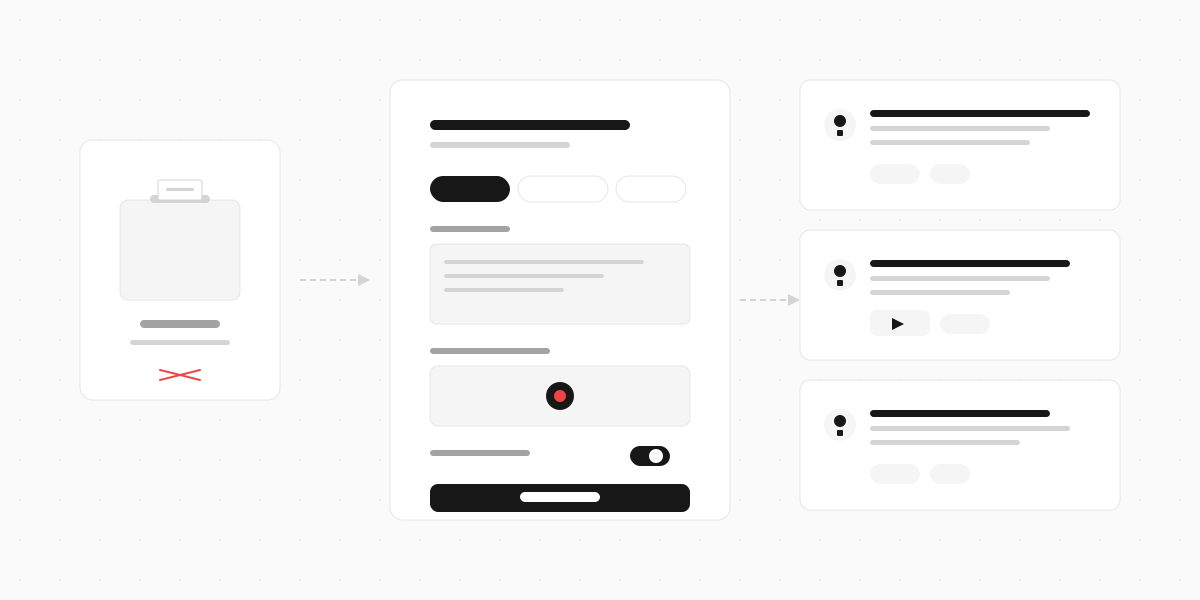
- You create a survey form with whatever questions you need (rating, multiple choice, open-ended, video response).
- You generate a QR code that links to that form's URL.
- You print or display the code where your audience will see it.
When someone scans the code, their phone opens the form in a browser tab. They fill it out, hit submit, and you get the response in your dashboard. The whole thing takes under a minute for a well-designed survey.
Static vs. dynamic QR codes
There are two types:
| Static QR code | Dynamic QR code | |
|---|---|---|
| What it stores | The full URL, baked into the code pattern | A short redirect URL that points to your survey |
| Can you change the destination? | No - if the URL changes, you need a new code | Yes - update where it points without reprinting |
| Tracking | No scan analytics | Tracks scans, location, device, time |
| Best for | One-off uses, testing | Anything printed at scale |
If you're printing QR codes on packaging, signage, or materials you can't easily replace, use dynamic codes. The redirect means you can swap the survey, fix a broken link, or A/B test different forms without reprinting anything.
How to create a QR code survey
Step 1: Build your survey form
Start with the form, not the QR code. The code is just a delivery method. What matters is what people see when they scan it.
Keep it short. QR code surveys get completed on phones, often while standing, waiting, or walking. Three to five questions is the sweet spot. Anything longer and completion rates drop fast.
Prioritise tap-friendly inputs:
- Star ratings or emoji scales for satisfaction (one tap)
- Multiple choice for categorisation (one tap)
- Short text fields only when you genuinely need a written answer
- Video responses for richer qualitative feedback (more engaging than typing on a phone)
Avoid matrix questions (grids of radio buttons) - they're hard to use on mobile screens. SurveyMonkey's data shows matrix question usage dropped from 43% of surveys in 2015 to 23% in 2024, largely because they perform poorly on phones.
Step 2: Generate your QR code
Most survey platforms generate a QR code for you automatically. If yours doesn't, copy the survey URL and paste it into a free generator like QR Code Generator or QR Code Monkey.
Design tips:
- Add your logo to the centre of the code. It builds trust and tells people where the scan will take them.
- Use brand colours, but keep enough contrast for scanners to read the pattern. Black on white is safest.
- Print at minimum 2x2 inches (5x5 cm) at 300 DPI. Smaller codes are harder to scan from a distance.
- Leave a quiet zone (blank space) around the code - at least a quarter inch on each side.
Step 3: Test before printing
Scan the code with at least two different phones (iPhone and Android). Check that the form loads quickly, displays correctly on mobile, and that the submit button works. Test on both Wi-Fi and mobile data.
This sounds obvious but it catches real problems: broken URLs, forms that aren't mobile-responsive, slow load times that make people give up.
Where to put your QR code survey
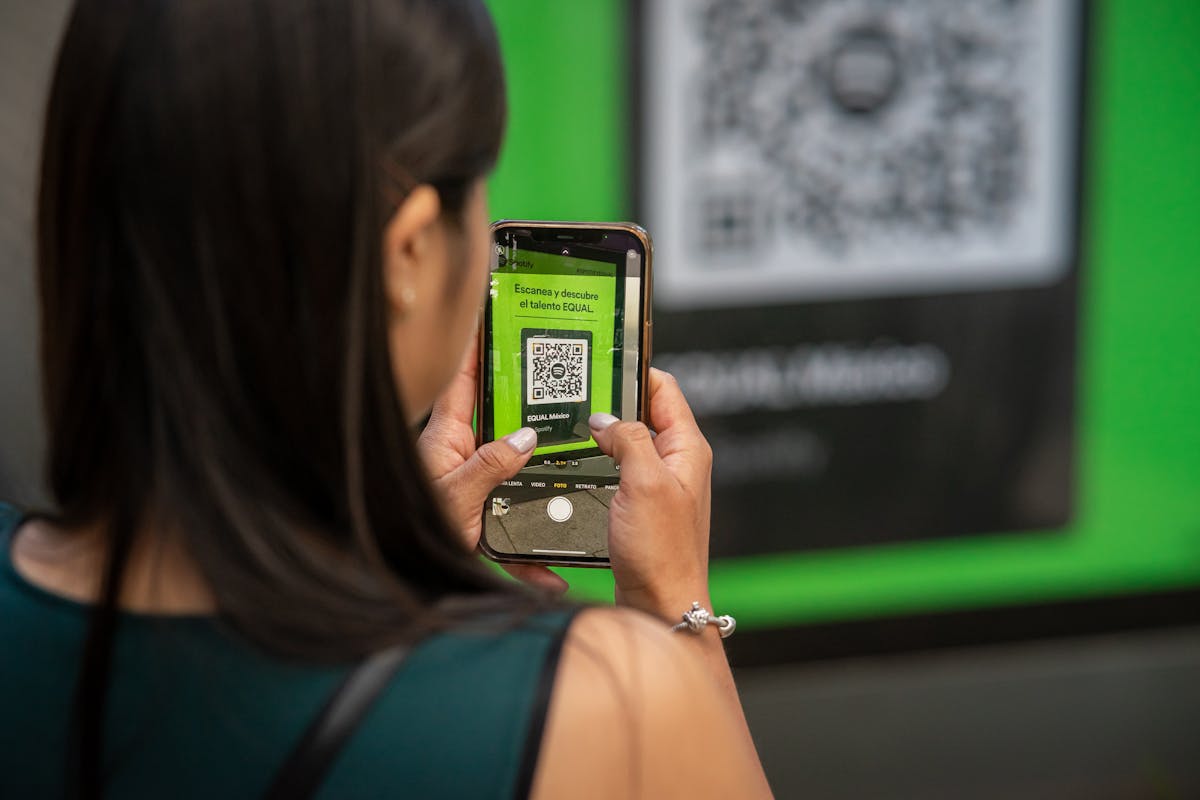
Placement determines whether your code gets scanned or ignored. The principle is simple: put it where people have both a reason to give feedback and a spare moment to do it.
Restaurants and cafes
- Table tents - between courses or while waiting for the bill. This is the highest-performing placement for food service because people are sitting, have their phone out, and have time.
- Receipts - printed at the bottom. Lower scan rate than table tents, but reaches every customer.
- Menu inserts - works if the survey is about the menu itself.
Retail stores
- Checkout counters - a small sign next to the card reader. Customers are already standing still and holding their phone (for mobile payments).
- Fitting rooms - feedback about product fit, sizing, and selection.
- Product packaging - post-purchase feedback after the customer has actually used the product.
Hotels and hospitality
- Room key envelopes - guests see it at check-in and again throughout their stay.
- Elevator screens - a captive audience with nothing else to look at.
- Checkout receipts - final impression feedback.
Events and conferences
- Session end slides - the last slide of a presentation with a QR code for session feedback.
- Badge lanyards - printed on the back of name badges.
- Table cards at booths or networking areas.
Offices and workplaces
- Break rooms and kitchens - anonymous feedback about facilities, culture, or workplace satisfaction.
- Meeting room doors - "How was this meeting?" surveys that take 10 seconds.
- Onboarding packets - new hire experience feedback.
The 10:1 rule for distance. If people will be standing six feet from your QR code, make it at least seven to eight inches wide. A two-inch code only works if someone is within arm's reach. Match the size to the viewing distance or nobody will scan it.
What to put on your QR code survey
The survey itself needs to respect the context. Someone scanning a QR code in a restaurant has a different mindset (and attention span) than someone filling out a form at their desk.
The ideal QR code survey structure
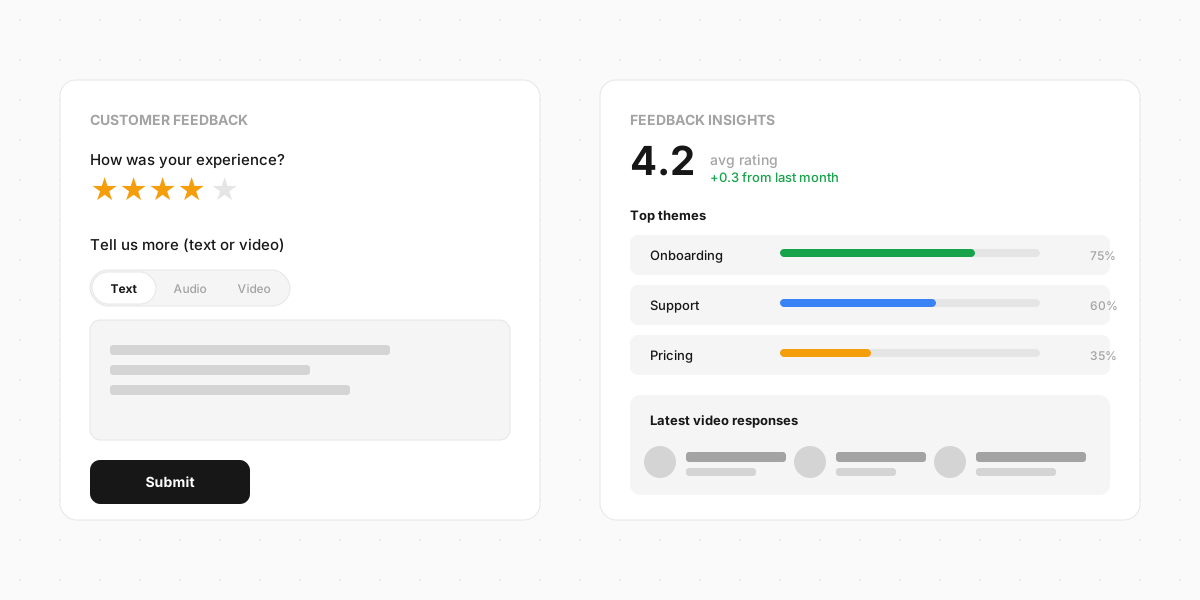
- One rating question. "How was your experience today?" with a 1-5 star scale or emoji scale. This is your quantitative data point and takes one tap.
- One open-ended question. "Anything we could improve?" with a short text field. This is where you learn what the numbers can't tell you.
- One optional contact field. "Leave your email if you'd like us to follow up." Optional, not required - making it mandatory kills completion rates for anonymous feedback.
Three fields. Under 30 seconds to complete. That's the format that gets the highest completion rates from QR code scans.
For richer feedback, add a video response option instead of (or alongside) the text field. A 15-second video captures tone, emotion, and detail that text can't. Someone describing a problem on camera gives you far more signal than "food was cold" typed on a phone keyboard. Not every respondent will record one, but the ones who do give you feedback you can actually act on.
What to skip
- Demographic questions (age, gender, income) - they feel invasive in a quick feedback context and don't help you fix the problem the customer just experienced.
- Long scales (1-10 ratings) - they're harder to tap on mobile than a 1-5 scale, and the extra precision rarely adds insight.
- Multiple pages - a multi-page survey behind a QR code is a contradiction. The format promises speed. Deliver on it.
- Required sign-in - if someone has to create an account to leave feedback, they won't. QR code surveys should be anonymous by default.
Boost your response rates
A QR code sitting silently on a wall won't get scanned. You need to give people a reason and make it obvious what happens when they do.
Add a clear call to action
The text next to your QR code matters more than the code itself. "Scan to share your feedback" beats a naked QR code every time. Even better: "How did we do today? Scan to tell us - takes 15 seconds."
Specificity works. Telling people how long it takes removes the uncertainty that stops them from scanning. "15 seconds" or "3 quick questions" sets expectations.
Offer a small incentive
A chance to win a gift card, a discount code on their next visit, or early access to something new. The incentive doesn't need to be big - it just needs to exist. Display it prominently next to the QR code: "Scan to share feedback and get 10% off your next order."
Make the code visible
Sounds basic, but most QR code surveys fail because nobody notices them. Put the code at eye level, not ankle level. Use contrast - a white card with a dark code on a dark table blends in. Print it large enough to scan from a natural distance.
Time it right
The best feedback comes within minutes of the experience. A QR code on a receipt that someone finds in their bag three days later is too late. Prioritise placements where the code appears during or immediately after the experience you're asking about.
Common mistakes
Linking to a desktop-optimised form. If your survey doesn't work well on mobile, the QR code is useless. Every scan comes from a phone. Test on a phone before you print a single code.
Making the survey too long. The number one reason people abandon QR code surveys is length. If you need detailed feedback, use a different channel. QR codes are for quick pulse checks.
No call to action. A bare QR code with no context gets ignored. People need to know what it does and why they should bother. Add text above or beside the code explaining what they'll see when they scan it.
Tiny codes on large surfaces. A one-inch QR code on a poster across the room might as well not exist. Size the code for the viewing distance.
Static codes for long-term use. If you print a static QR code on 10,000 product boxes and the survey URL changes, you've just printed 10,000 dead links. Use dynamic codes for anything with a long shelf life.
Asking for personal information first. Starting with "Enter your name and email" before any survey questions destroys trust in an anonymous format. If you need contact details, ask at the end and make them optional.
Not testing the code. QR codes can break when printed too small, at too low a resolution, or with colours that lack contrast. Test every code on multiple devices before it goes to print.
Build your QR code survey
A QR code survey is only as good as the form it links to. If the form is clunky, slow, or asks too many questions, no amount of clever placement will save your response rates.
Clipform lets you build short, mobile-first survey forms with text fields, ratings, multiple choice, and video responses in a single flow. Every form gets a shareable link you can turn into a QR code. Responses land in a dashboard with structured data, auto-transcribed video, and filtering. If you want to collect feedback at the point of experience - not hours later in an email - it's built for exactly this.