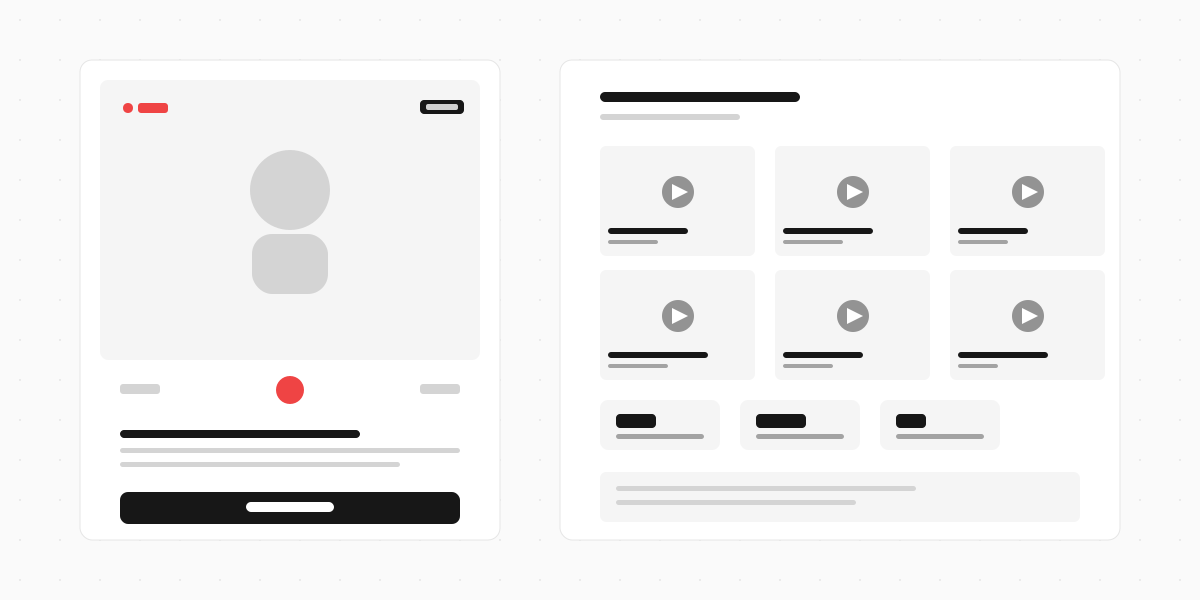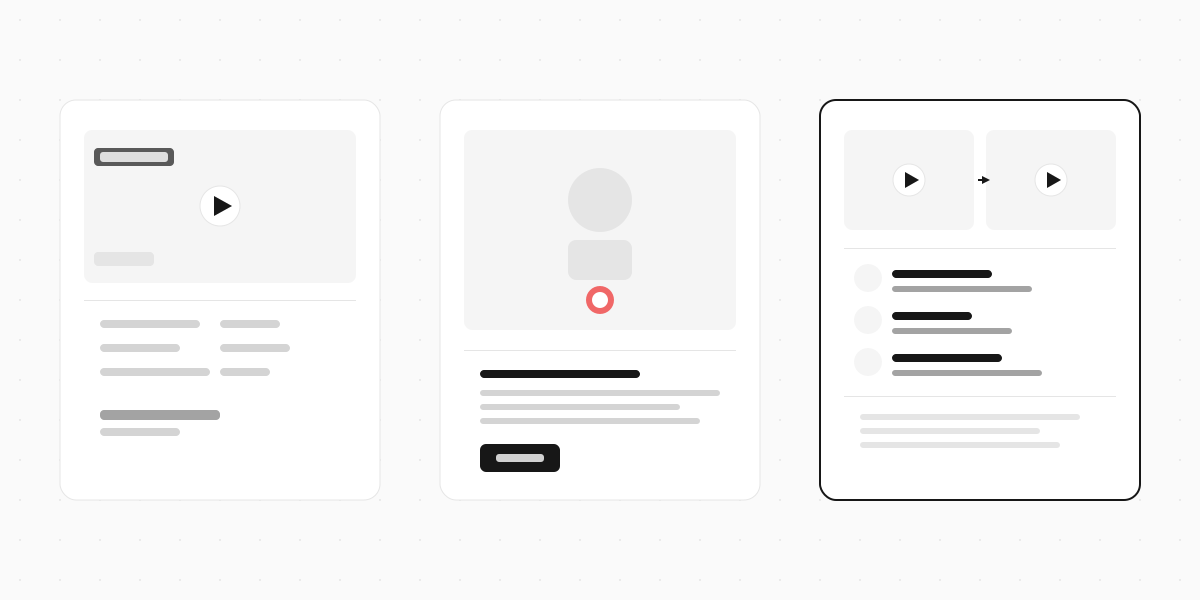
A wedding video booth is a station where guests record short video messages for the couple. Think photo booth, but instead of a strip of four photos, each guest leaves a 30-to-60-second clip - a toast, a piece of advice, a favourite memory, or just something silly from the dance floor.
Photo booths have been a wedding staple for years. Video booths are the 2026 version, and they come in two flavours: the full rental (a physical booth with attendant, backdrop, and professional-grade camera) and the DIY setup (a tablet on a stand or a QR code that guests scan with their own phones). The first costs $700 to $2,500. The second costs close to nothing.
This guide covers the different types of video booths, what they cost, how to set one up yourself, and when it's worth renting versus doing it on your own.
Types of wedding video booths
Enclosed video booths
The classic format. A curtained or walled enclosure with a camera, ring light, monitor showing the prompt, and a start/stop button. Guests step inside, record their message, and step out. An attendant usually manages the queue and helps people who aren't sure what to do.
Pros: Private setting encourages longer, more personal messages. Professional lighting and audio. The physical booth becomes a focal point at the reception.
Cons: Expensive ($800-$1,500 for 3-4 hours). Takes up floor space. Creates a queue - at a 150-person wedding, not everyone will get a turn.
Open-air video booths
Same concept, minus the walls. A camera on a tripod or mounted on a stand, a backdrop (often custom-printed with the couple's names), and usually a ring light. Guests walk up, record, and walk away.
Pros: More accessible than enclosed booths. Groups can record together. Easier to set up in tight venues.
Cons: Background noise from the reception bleeds into recordings. Less privacy means less vulnerability - guests tend to keep it shorter and safer.
360 video booths
A platform guests stand on while a camera arm rotates around them, creating a slow-motion 360-degree video. These are more about the visual spectacle than the message content. According to Bark's 2026 pricing guide, premium options like 360 video booths range from $1,200 to $2,500 for a 3-4 hour rental.
Pros: Visually stunning clips. Great for social media sharing. Guests love the novelty.
Cons: The most expensive option. The "wow" effect is visual, not emotional - you get a cool slow-motion spin, but you don't get grandma's voice cracking as she gives marriage advice.
Tablet or phone-based setups
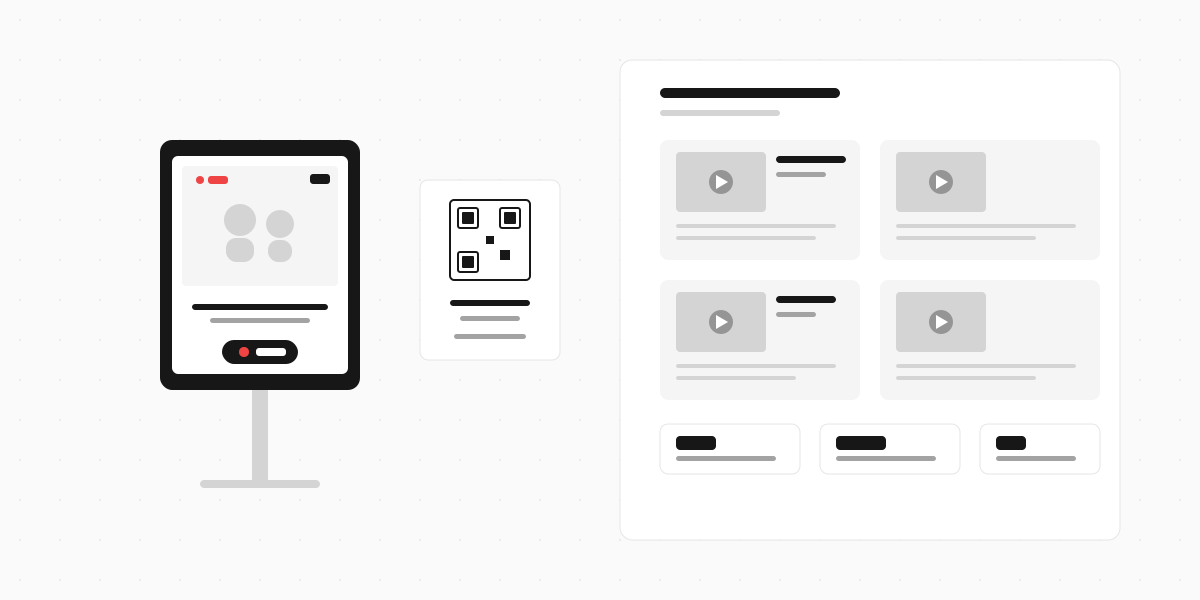
An iPad or Android tablet mounted on a stand, running a form or app that records video messages. Guests tap record, say their piece, and submit. No attendant needed - though it helps to have signage explaining what to do.
This is the fastest-growing category because the cost difference is staggering. A tablet stand costs $30-50. The software is free or low-cost. And the video quality from a modern iPad is better than most dedicated booth cameras from five years ago.

What a wedding video booth costs
According to Bark, wedding photo and video booth packages typically range from $400 to $1,200 for a standard 3-4 hour rental, with hourly rates between $100 and $300+.
Here's how the options break down:
| Option | Cost | What you get |
|---|---|---|
| Enclosed booth rental | $800-$1,500 | Physical booth, attendant, professional camera, backdrop, digital gallery |
| Open-air booth rental | $600-$1,200 | Camera setup, backdrop, ring light, attendant, digital gallery |
| 360 video booth | $1,200-$2,500 | Rotating camera arm, platform, slow-mo video, social sharing |
| Tablet on a stand (DIY) | $30-80 | Tablet stand + free recording app or form |
| QR code (BYOD) | Free-$20/month | Guests use their own phones, no hardware needed |
The rental options include delivery, setup, breakdown, and an attendant. The DIY options require about 15 minutes of setup and someone to check on the tablet once or twice during the night.
For couples spending $30,000+ on a wedding, a $1,000 video booth rental is a reasonable line item. But for budget-conscious couples, or second weddings, or smaller celebrations, the tablet or QR code approach delivers 90% of the result for 5% of the cost.
Setting up a DIY video booth
Option 1: Tablet on a stand
The simplest physical setup. You need:
- A tablet (iPad or Android tablet, 10" or larger)
- A tablet stand or tripod mount ($20-50 on Amazon)
- A ring light (optional but recommended for indoor venues - $15-30)
- Power - the tablet needs to be plugged in or fully charged. A recording session drains battery fast
Set the tablet at eye level, angle it slightly upward, and place it somewhere visible but not blocking foot traffic. Near the bar works well - guests are more relaxed and more likely to stop. Near the dance floor works too, but background noise will be loud.
Load a form or booth app on the tablet with a prompt and a record button. Keep the prompt short: "Leave a message for Sarah and James" is enough. If you want more variety, rotate prompts: "What's your best marriage advice?", "Tell us your favourite memory with the couple", "What do you predict for their first year?"
Option 2: QR code (guests use their own phones)
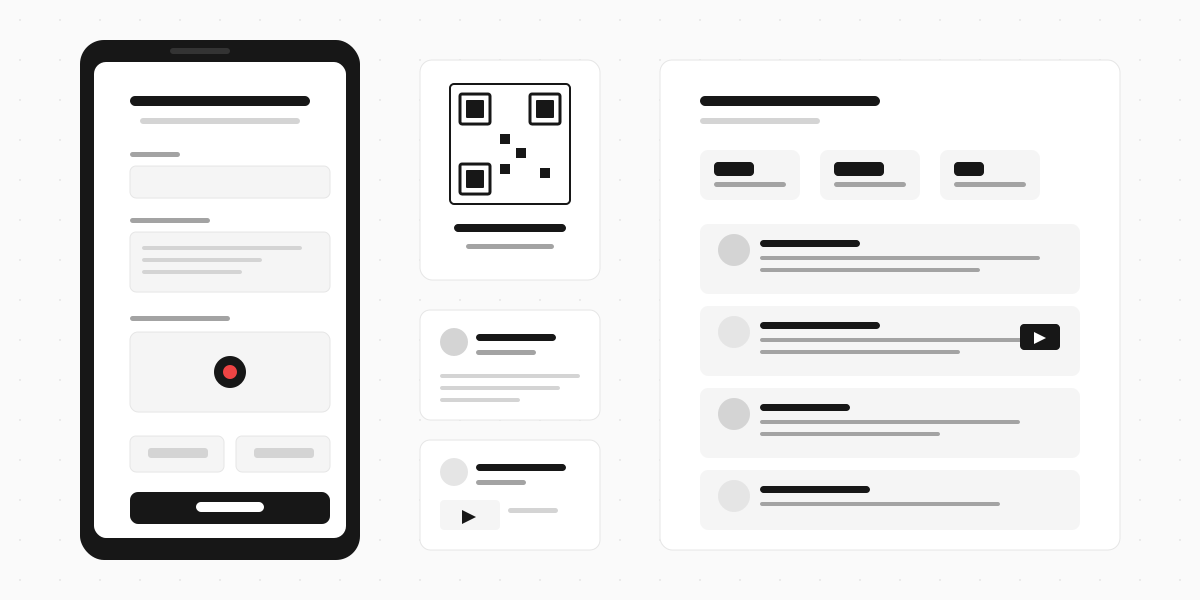
No hardware at all. Create a form with a video recording field, generate a QR code from the share link, and print it on signs around the venue. Guests scan, record on their phone, and submit. Every message goes straight to your dashboard.
This approach has one big advantage over a physical booth: there's no queue. Twenty guests can record at the same time, from their seats, from the dance floor, from the bathroom line. You'll get more messages because there's zero friction.
The tradeoff: you lose the physical focal point. A booth is a conversation piece. A QR code on a card needs active signage and maybe an MC announcement to get people started.
The hybrid approach works best: put a tablet on a stand as the main recording station and print QR codes on table cards as a backup. Guests who notice the booth walk up. Everyone else can scan from their phone whenever they're ready.
Tips for better recordings
Lighting matters more than you think. Indoor wedding venues are often dim with warm, uneven lighting. A cheap ring light on the tablet stand makes every recording look dramatically better. Without one, you get dark, grainy clips.
Put it near the bar, not the entrance. Guests at the entrance are arriving, finding their seats, saying hello. They're not in recording mode yet. Guests at the bar, 90 minutes into the reception, are loose, happy, and willing to be on camera.
Give prompts, not just "record a message." "Record a message" is vague enough that people freeze. A specific prompt like "Give the couple one piece of marriage advice" gives them a starting point.
Keep the max length short. 60 seconds is plenty. Most of the best messages are 20-30 seconds. If you set the limit at 3 minutes, you'll get a few guests who ramble and a lot of unusable footage.
Announce it. Have the MC or a bridesmaid mention the video booth during the reception. "There's a video booth by the bar - leave Sarah and James a message they'll watch on their anniversary." One announcement doubles the number of recordings.

Video booth vs video guest book
These get confused a lot because they overlap. Here's the distinction:
A video booth is a physical station at the venue - a booth, a tablet, or a camera on a stand. Guests walk up and record. The focus is on the experience at the event.
A video guest book is the collection of messages itself. It can come from a booth, from a QR code, from phones, or even from guests who couldn't attend recording from home. The focus is on the keepsake.
You can have a video booth without a video guest book (if nobody organises the footage afterwards). And you can have a video guest book without a booth (just a QR code and no physical station). But most couples want both: a fun experience at the wedding and a compiled keepsake afterwards.
When to rent vs DIY
Rent a booth if:
- Your budget allows $800+ for this line item
- You want the physical "wow" factor of a professional setup
- Your venue is large enough for a booth footprint
- You want an attendant handling the tech so you don't have to think about it
DIY if:
- You're budget-conscious (or putting the money towards something else)
- You want more messages than a single booth can capture (QR codes scale infinitely)
- Your venue is small or has limited floor space
- You're comfortable with 15 minutes of setup
Skip it entirely if:
- Your wedding is very small (under 30 guests). At that size, you'll get more personal messages by just asking people directly
- Your venue doesn't have reliable power or Wi-Fi for recording
Build your own video booth
A wedding video booth doesn't have to cost $1,000. A tablet, a ring light, and a form that records video gets you 90% of the way there. And a QR code on a table card gets you the rest - every guest can record from their seat, no queue required.
Clipform lets guests record video messages directly in a form - no app download, no account creation. Set up a form with a prompt, put it on a tablet or share it as a QR code, and every message lands in a dashboard with the video and an auto-generated transcript. For the video guest book you'll actually want to rewatch.