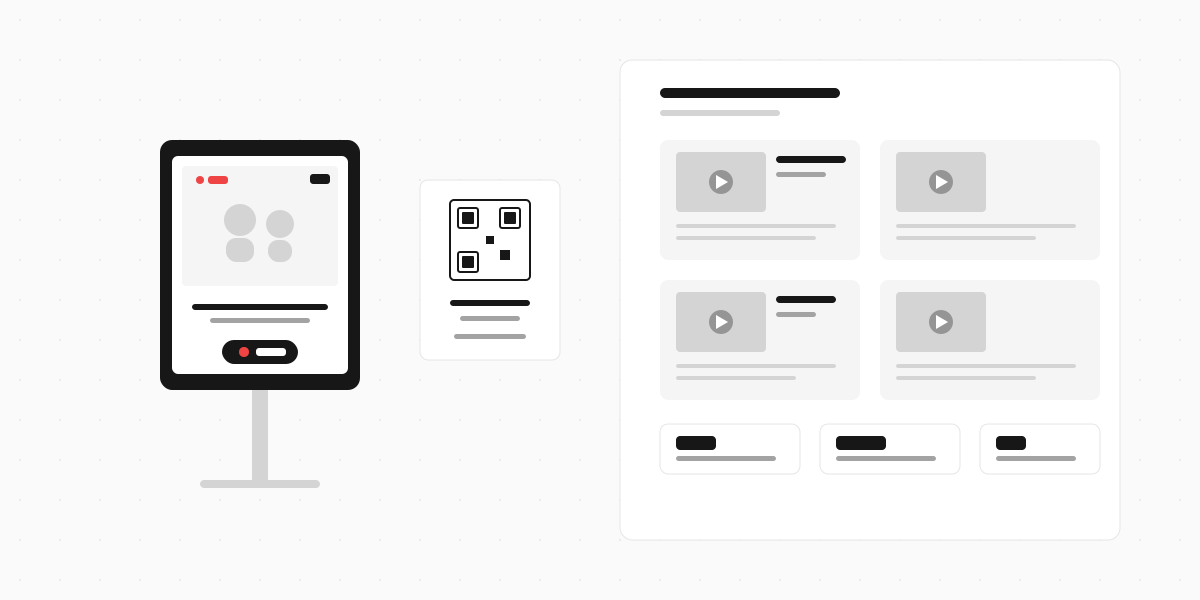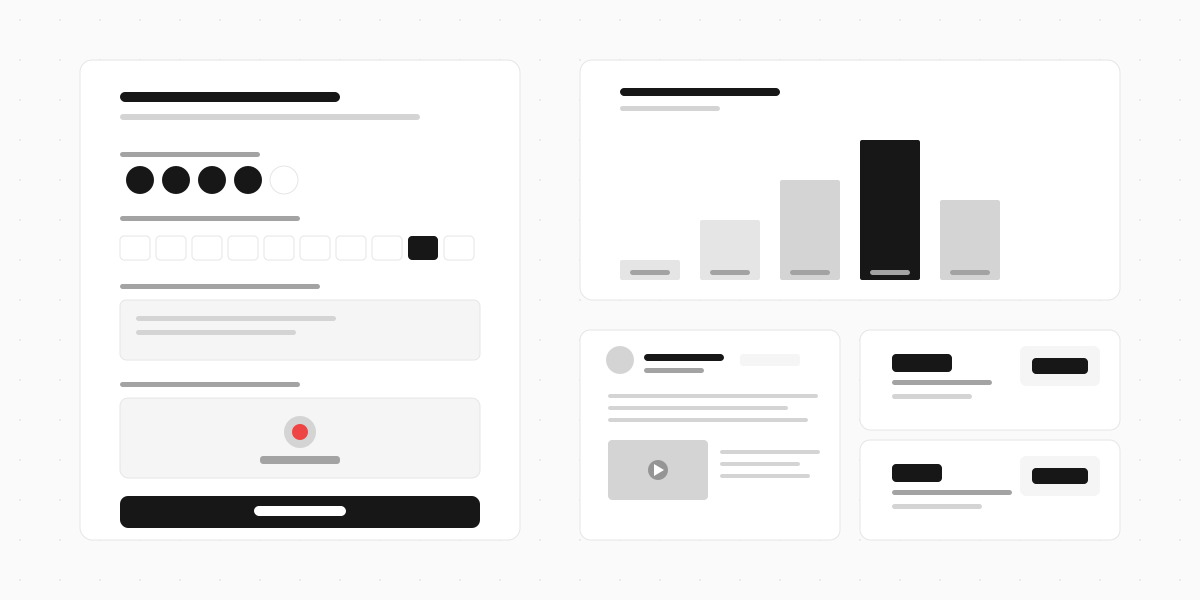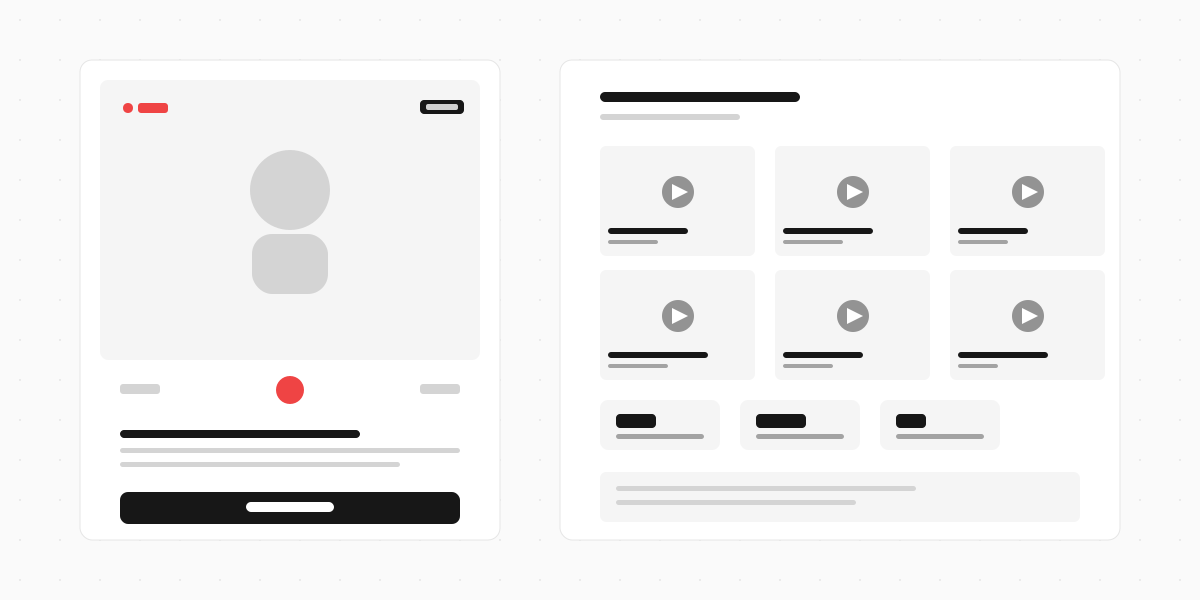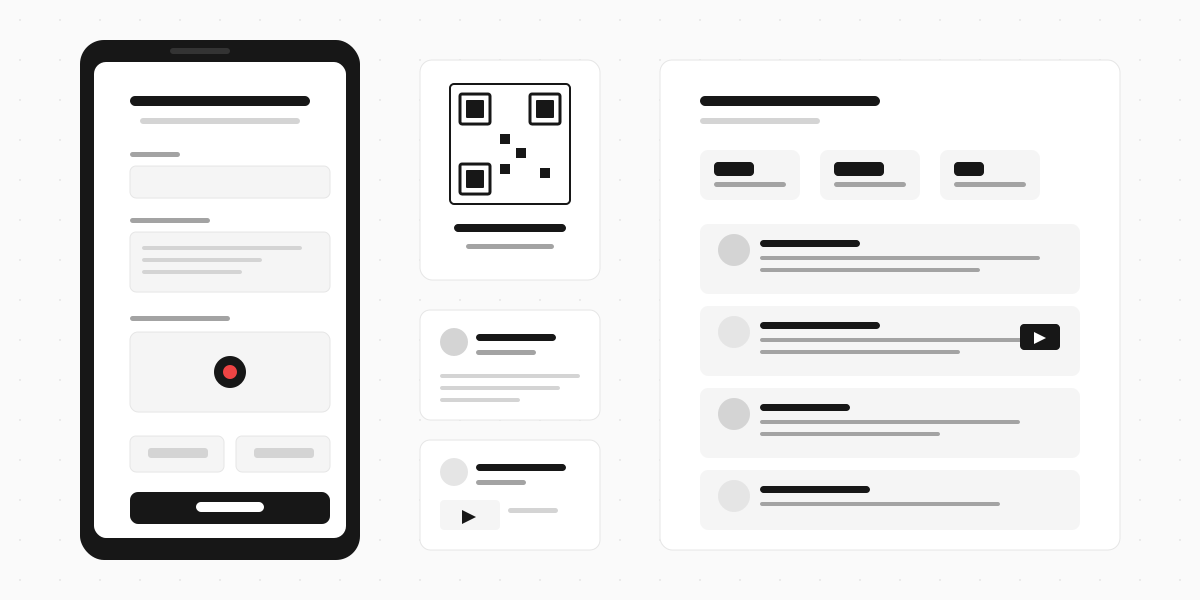
A digital guest book replaces the traditional sign-in book at a wedding or event with an online form that guests access from their phones. Instead of waiting in line to write a one-liner in a leather-bound book, guests scan a QR code and leave a message, record a video, or upload a photo, all from their seat.
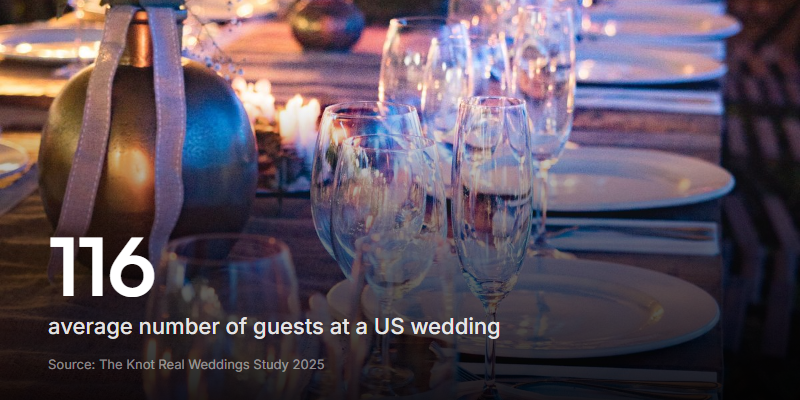
The appeal is practical. A physical guest book at a wedding with an average of 116 guests creates a bottleneck. A few people sign it early, most forget, and you end up with 30 messages from 116 attendees. A digital version is available all night, accessible from anywhere in the venue, and doesn't require anyone to stand in line.
This guide covers how to set up a digital guest book, what to include on the form, how to display the QR code at your event, and why video messages are the feature that makes the whole thing worth doing.
Why digital guest books are replacing traditional ones
The leather-bound guest book has a nostalgia problem. People love the idea of it, but the reality is a book that sits on a table by the entrance, gets signed by the first 20 arrivals, and then gets ignored once the dancing starts.
Digital guest books solve three specific problems:
Participation rates. When the guest book lives on everyone's phone, the barrier to entry drops. No queue, no pen, no "I'll come back to it later." Guests can leave a message during the cocktail hour, between courses, or from the bar at midnight. More access points means more messages.
Message quality. A physical guest book gets "Congrats!" and "Best wishes!" because nobody wants to stand at a table composing a paragraph while a line forms behind them. A digital form, filled out privately from a phone, gets longer, more personal messages. And if you add a video option, you get something a written book could never capture: your grandmother's voice, your college roommate's toast, your nephew's excited face.
Preservation. Paper guest books get water-damaged, lost in a move, or stuck in a box nobody opens. Digital messages live in a dashboard, backed up, searchable, and shareable. Video messages are the keepsake that actually gets revisited.
What to include in a digital guest book
Keep the form short. Guests are at a party, not filling out a survey. Three to four fields is the sweet spot.
Name
First name is enough. Some couples add a "relationship" field ("How do you know the couple?") which makes it fun to sort messages later, but it's optional.
Written message
A text field for their well-wishes. No character limit needed - let people write as much or as little as they want. Most will write two to four sentences. The ones who write a full paragraph are the ones you'll read again and again.
Video message
This is the field that changes everything. Give guests the option to record a short video (30 to 60 seconds) instead of or alongside their written message. Not everyone will use it, but the ones who do create something you can't replicate any other way.
A written "congratulations" is nice. A 30-second video of your best friend getting teary while raising a glass is a keepsake you'll watch on every anniversary.
The recording should happen in the browser. If guests have to download an app, find a file, or figure out an upload, they won't do it. The form needs to open the camera, let them speak, and submit. One flow, no friction.
Photo upload
Optional but nice. Guests can upload a photo of themselves at the event, a throwback photo with the couple, or a screenshot of a meaningful text exchange. This turns the guest book into a collaborative photo album.
How to set up a digital guest book
Step 1: Create your form
Build a short form with the fields above: name, message, video option, and optionally a photo upload. The form should be mobile-first - every guest will access it from their phone.
Design tips:
- Match the form colours to your wedding theme if your tool allows it
- Add a short welcome message at the top: "Leave a message for Sarah & James" or "Record a video for the happy couple"
- Make the video field optional - some people are camera-shy, and that's fine
Step 2: Generate a QR code
Turn your form's link into a QR code. Most form builders generate one automatically. If not, use a free generator and link it to your form's URL.
If you've already set up QR codes for your RSVPs, this is the same process with a different form.
Step 3: Display the QR code at your venue
Where you place the code determines how many guests use it. The best placements:
- Table cards or centrepieces. A small card on each table with the QR code and a prompt like "Leave a message for the couple." This is the highest-performing placement because every guest sees it and has time to use it during dinner.
- Welcome sign. A framed sign at the entrance with the QR code. Catches early arrivals.
- Bar area. People standing at the bar have their phone out and time to kill.
- Cocktail hour signage. A small sign or easel during the pre-dinner period.
- Bathroom mirrors. Sounds odd, but it works. People check their phone in the bathroom and the code is right there.
Put it on every table, not just at the entrance. A single sign-in station creates the same bottleneck as a physical guest book. Table cards mean every guest is within arm's reach of the QR code for the entire meal.
Step 4: Announce it
The MC or DJ should mention the digital guest book at least once during the reception. A quick "scan the QR code on your table to leave a message or record a video for the couple" reminds people it exists and gives them permission to pull out their phones.
Some couples also include a note in the ceremony program or on the wedding website.
Digital guest books beyond weddings
The format works for any event where you want to collect messages from attendees.
Corporate events and conferences. A QR code at each table or in the event app. Guests leave feedback, testimonials, or shout-outs to speakers. The video option turns attendee feedback into social proof you can use later.
Milestone birthdays and anniversaries. The same setup as a wedding, but for a 50th birthday or a retirement party. Video messages from friends and family become the gift.
Memorials and celebrations of life. A digital guest book lets people who couldn't attend in person contribute messages and memories. The video recordings carry extra weight here.
Baby showers. Advice for the new parents, recorded on video. "What I wish someone had told me" in 30 seconds is more useful and more personal than a card.
Open houses and property viewings. A different use case, but the same format. Visitors sign in, leave feedback, and the host gets structured data instead of a clipboard. See our open house sign-in sheet guide for more on this.
Traditional vs. digital: a comparison
| Traditional guest book | Digital guest book | |
|---|---|---|
| Participation | Whoever remembers to walk to the table and sign it | Every guest with a phone |
| Message quality | Short, rushed, often generic | Longer, more personal, includes video |
| Accessibility | In-person only | Remote guests can contribute too |
| Preservation | Physical book (can be lost, damaged) | Cloud-backed, searchable, shareable |
| Setup | Buy a book, set up a table, provide pens | Create a form, print QR codes |
| Rich media | Text and maybe a Polaroid | Text, video, photos, voice |
| Cost | $20-80 for a nice book | Free to low cost for the form |
The two aren't mutually exclusive. Some couples keep a physical guest book for the nostalgic appeal and add a digital version for the video messages. The physical book sits on the coffee table; the digital messages get watched on anniversaries.
Common mistakes
Hiding the QR code. A single small sign at the entrance isn't enough. Put it on every table. Mention it during the reception. Make it impossible to miss.
Not testing the form beforehand. Open the QR code on your phone before the event. Does the form load quickly? Is the video recording smooth? Does it work on both iPhone and Android? Test on venue Wi-Fi if possible - some venues have spotty connectivity.
Making it too complicated. Name + message + optional video. That's it. Don't ask for email addresses, mailing addresses, or dietary preferences. This isn't an RSVP form - it's a guest book.
Forgetting remote guests. One of the biggest advantages of going digital is that people who couldn't attend can still leave a message. Share the link with anyone who was invited but couldn't make it. Their messages will mean just as much.
No mobile data fallback. If your venue has weak Wi-Fi, some guests might struggle to upload videos. Check venue connectivity beforehand. If it's unreliable, mention in the announcement that guests can submit later using the same link.
Create your digital guest book
The gap between "we had a guest book" and "we have messages we'll watch forever" comes down to video. Written messages are nice. Video messages of the people you love, recorded on the night, are something else entirely.
Clipform lets you build a digital guest book where guests record video messages directly in the browser - no app downloads, no file uploads, no format issues. Add text fields, photo uploads, and any other questions you want. Share it as a QR code on table cards. Every message lands in a dashboard with auto-transcribed video, structured data, and one-click sharing. If you want a guest book that captures more than signatures, it's built for exactly this.