Written testimonials are everywhere. They're also easy to ignore. A paragraph of text on a landing page - even a real one - reads like marketing copy. Visitors skim past them.
Video testimonials are different. You see a real person. You hear their voice. You catch the little pause before they say "honestly, I didn't expect it to work this well." That's the stuff that builds trust.
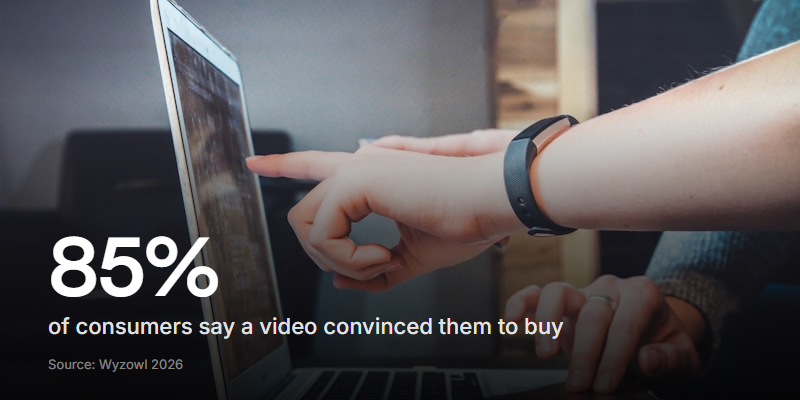
According to Wyzowl's 2025 Video Marketing Statistics report, 85% of consumers say watching a video has convinced them to buy a product or service. Written quotes don't carry the same weight. A face and a voice do.
The problem isn't convincing your team that video testimonials are worth collecting. The problem is actually getting customers to record them. This guide covers how.
And the stakes are higher than they were a couple of years ago. AI can now generate synthetic testimonial videos - realistic-looking people saying whatever you script for them. As these flood product pages and social feeds, genuine self-recorded testimonials from real customers carry even more weight. The imperfections (a dog barking, a slightly messy desk, a natural pause) are becoming proof of authenticity, not signs of low production value.
What makes a good video testimonial
Before you start collecting, it helps to know what you're aiming for.
The best video testimonials share a few things:
- They're specific. "It saved us 10 hours a week on candidate screening" beats "It's really great" every time.
- They tell a story. Before, problem, solution, result. Even in 60 seconds, that arc works.
- They're natural. Slightly imperfect delivery is more convincing than a rehearsed script. People can tell when someone is reading.
- They're short. 30 to 90 seconds is the sweet spot. Long enough to say something real, short enough that prospects will actually watch it.
You don't need professional lighting or a studio. A customer talking into their laptop camera in their office is more relatable than a polished corporate production.
The biggest barrier (and how to remove it)
Most customers don't refuse to give a testimonial. They just never get around to it. The friction kills the intention.
Think about what you're asking them to do with traditional methods: find a time, get on a call, get recorded by someone else, wait for the edited clip, approve it. That's a multi-step commitment most people won't follow through on.
The fix is to make it asynchronous and self-serve. Send a link. Let them record on their own time, in their own space, from their browser. No call to schedule, no app to download, no one watching them while they talk.
This single change - removing the live recording session - is what turns a 15% response rate into a 40%+ one.
How to actually collect video testimonials
Here's the step-by-step process I'd recommend.
1. Pick the right moment to ask
Timing matters more than the ask itself. The best moments:
- Right after a win. They just hit a milestone, got a result, or told you they're happy. Ask while the feeling is fresh.
- After a support interaction that went well. They're already feeling positive about your team.
- At renewal or upgrade time. If they're choosing to stay or expand, that's a strong signal.
- During a review or check-in. If your CS team runs QBRs, the end of a good review is a natural moment.
Don't ask during onboarding (too early), during a support ticket (bad timing), or out of the blue six months after they signed up (feels random).
2. Make the ask personal
A mass email with "We'd love a testimonial!" gets deleted. A personal message from someone they know gets a response.
The best ask comes from whoever has the closest relationship - their account manager, their CS rep, or even the founder for smaller accounts. Keep it short:
"Hey Sarah - you mentioned last week that the async screening saved your team about 12 hours per hire. Would you mind sharing that in a quick 60-second video? Here's a link - just hit record whenever you have a minute. No prep needed."
That's it. Specific, low-pressure, with a clear link.
3. Guide them with questions, not scripts
Don't send a script. Scripted testimonials sound scripted. Instead, give them a few prompts to respond to. This is where the format matters.
Good prompts:
- "What problem were you trying to solve when you found us?"
- "What's changed since you started using [product]?"
- "What would you tell someone who's considering it?"
- "What surprised you most about using it?"
Ask one question at a time, not all at once. When people see a list of five questions they need to answer in a single take, they freeze. A flow that presents each prompt individually and lets them record one answer at a time gets far better results.
4. Remove every friction point
Every extra step loses people. The ideal experience:
- No account creation. They click a link and start recording.
- No app download. Browser-based recording only.
- No time pressure. They record when it suits them - at their desk, at home, whenever.
- Re-record option. Let them redo an answer if they stumble. This goes a long way toward reducing anxiety.
- Mobile-friendly. Some people are more comfortable recording on their phone.
5. Follow up (once)
If they don't respond within a week, one follow-up is fine. "Hey, just floating this back up - totally understand if you're busy, but the link's still active whenever you have a minute." More than one follow-up and you're being annoying.
Using Clipform to collect video testimonials
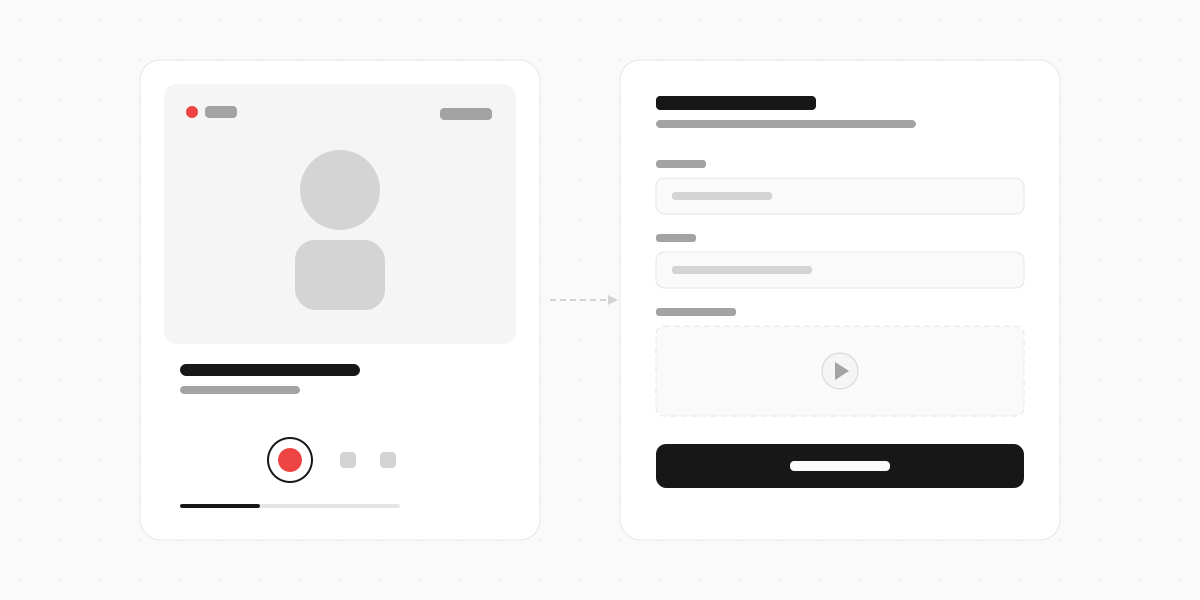
This is exactly the kind of thing Clipform is built for. You create a form where each step is a question prompt - with video, audio, or text - and respondents record their answers directly in the browser.
Here's how it works in practice:
- Record your prompts on camera. Instead of text-only questions, record yourself asking each one. "Hey, I'd love to hear what problem you were trying to solve..." This sets the tone and makes the whole thing feel like a conversation, not a survey.
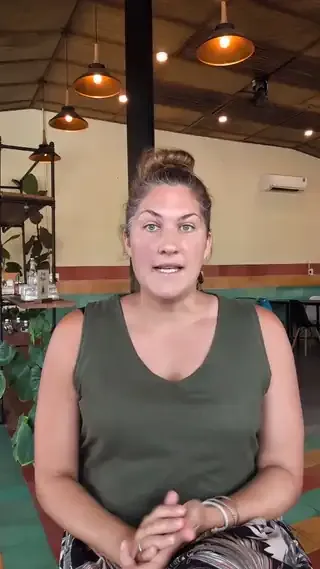
- Share a single link. No accounts, no installs. Your customer opens the link, sees your face asking a question, and records their answer right there.
- Review and manage responses. Every response lands in your dashboard with the video recording and an automatic transcript (powered by Whisper). Search, filter, and share with your team.
The drag-and-drop builder means you can set up a testimonial collection form in a few minutes. Add your brand colours with theming, and on Pro you can remove Clipform branding so it looks entirely like your own.
For teams collecting testimonials at scale - say after events or across a customer base - the analytics dashboard shows you completion rates, drop-off points, and response volume over time. You can see exactly where people stop and adjust your prompts.
If you'd rather not record yourself, use AI text-to-speech to generate voiceover prompts. Your form still speaks to respondents, just with a generated voice instead of yours. Some teams prefer this for consistency across multiple forms.
If you're comparing tools, Clipform sits between traditional form builders like Typeform (which are text-first) and dedicated video platforms like VideoAsk (which are priced for enterprise). It's video-first without the enterprise price tag.
Tips for getting more responses
Even with a frictionless process, a few things help push completion rates higher.
Offer something small in return. A gift card, a donation to their chosen charity, or even just a LinkedIn shoutout. It doesn't need to be big - it just needs to acknowledge their time.
Show them examples. Link to a testimonial someone else recorded. When people can see what "good" looks like, they stop overthinking it.
Keep it to 3-4 questions max. Every extra question lowers your completion rate. Ask only what you need.
Tell them it doesn't need to be perfect. Say this explicitly. "Don't worry about umms and ahhs - natural is better than polished." Most people's biggest fear is looking stupid on camera. Give them permission to be human.
Use video prompts, not text. This is the single biggest lever. When your customer sees your face asking a question, they feel like they're talking to a person. When they see a text prompt, it feels like a form. The async video interview guide covers this in more detail.
What to do with the testimonials once you have them
Collecting them is step one. Using them is where the value actually lands.
- Landing pages and sales pages. Short clips next to relevant features or pricing.
- Social media. 30-second clips work well as organic content and ads.
- Sales decks. Drop a video testimonial into a proposal. It's more convincing than a logo wall.
- Case studies. Use the transcript as the backbone and the video as the hero asset.
- Internal motivation. Seriously. Sharing customer videos in team channels is one of the best morale boosts there is.
Since Clipform auto-transcribes every response, you've already got a written version to pull quotes from - no manual transcription needed.
Start simple
You don't need a complicated testimonial programme. Start with five customers you have a good relationship with. Send each a personal message with a link to a short video form. See what comes back.
Most teams are surprised by how willing customers are to record a quick video when the process is actually easy. The barrier was never their willingness - it was the friction.
Remove the friction, and the testimonials follow.